8 Ways to Find Emails for B2B Lead Generation
A correct work email is useless if you're targeting the wrong company. Stop relying on purchased lists and scraped data. Instead, discover eight practical methods—ranging from free manual research to targeted enrichment tools—to find verified B2B contact information. Learn how to identify the right accounts, pinpoint your ideal buyers, and build a highly targeted email list with a genuine reason for outreach.

A correct work address is useless if you picked the wrong company. The practical version of B2B email prospecting is narrow: choose accounts that match the product, name the person who would use it or buy it, and only then look up an inbox.
Huge purchased lists fail for a simple reason. The sender cannot explain why any row is there. Start smaller. Each method below assumes a work address and a real reason to write, not a scraped personal inbox or a dumped consumer file.
The eight ways move from free and slow to paid and fast. A small team can stop at method four and still have a list worth using.
1. Start with accounts you can already name
B2B email prospecting collapses when the company list is random. Before you hunt for inboxes, filter for industry, company size, and a trigger. A new product page, an open role, or a recent funding note is enough.
Logos on a competitor's site and listings in a launch directory are account sources, not email sources. Pro Launch project pages show who is shipping in a category. The address still has to come from one of the methods below.
2. Read the company site like a contact page
Open About, Team, and press pages and copy four things: full name, title, company domain, and any email pattern already printed on the site. That pattern might be sales@, a first name on the team page, or a journalist contact in a press kit.
Many SaaS sites hide individual addresses. A name plus a domain is still enough for the next two methods.

3. Guess the pattern, then test one address
Most companies use one of a few formats: first@domain, first.last@domain, or firstinitiallast@domain. Confirm the pattern from a known public address on the same domain before you invent five variants.
Send one email and watch for a bounce. Then stop. One wrong guess is a research error. Twenty guesses in a row is how a small domain gets marked as spam. Do not probe mail servers or cycle through a guessed list.
4. Search for the person, not the phrase "email"
Run a query with the person's name and the company. Check conference speaker pages, podcast guest notes, GitHub profiles, and PDFs that list an author. Those pages often print a work email the company site does not.
Treat an address on an old PDF as a lead, not as a row to upload. People change jobs. Verify it before you add it to a sequence.
5. Ask in public where your buyer already talks
Comment on a relevant post, answer a question in a niche forum, or reply to a founder thread with something specific. Then ask for the right person, or offer a short note they can forward.
This is slower than a lookup tool and usually cleaner. People who comment on a project page or a category listing have already shown interest. A direct question beats a cold guess.
6. Pull emails from people who opted into a conversation
Newsletter signups, demo forms, webinar registrations, and replies to a public post are not scraped. Those people asked for contact.
A form with a work-email field will usually beat a purchased list of the same size. The person already knows the product name, so the first email does not have to introduce you from zero.
7. Use a lookup tool only after the name is known
An email finder or enrichment tool is for a known input: name, company, and domain. You want the likely work address and a confidence flag, not a spreadsheet of strangers titled "CEOs in your industry."
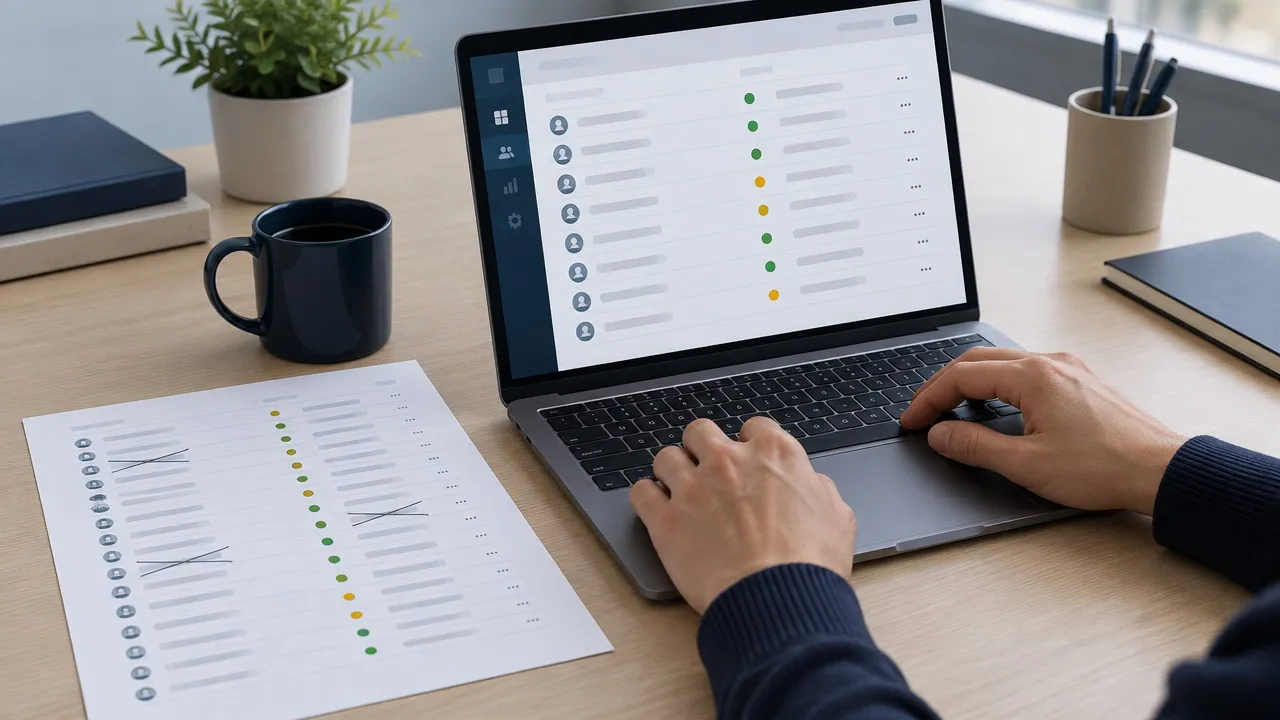
Verify a batch of 25 to 50 before you pay for thousands. If half of that batch bounces, the inputs are wrong. Better copy will not fix a bad account list.
8. Get introduced instead of looked up
A customer, an investor, or a peer in the same category can forward a note or share the right address. The email arrives with context, which a finder cannot supply.
Keep the ask short. Who owns this problem, and may I mention that you pointed me to them?

How to choose among the 8 ways to find emails for B2B lead generation
If you have fewer than 30 target accounts, methods 2 through 4 are enough. If the product just launched and strangers are already replying, start with method 6. Those addresses are warmer than anything a tool will return.
Use method 7 when the account list is solid and the names are known. If a customer will make the introduction, method 8 beats the rest.
Store the source next to every address: site, search result, tool, or intro. When a bounce or a complaint shows up, the source tells you which method to stop using.
What to send once you have the address
Name the company, the reason you picked that person, and one concrete next step. A correct address with a vague pitch still gets deleted.
If you are launching rather than only prospecting, Pro Launch covers the visibility side of the same job: a scheduled spotlight, a permanent project page, and a place interested people can find the product before anyone has to guess an inbox.
Name the account. Name the person. Then find the email with the cheapest method that still lets you verify it. A short list you can explain will beat a long list you cannot.


