How to Create a SaaS Demo Video That Converts Viewers
Most SaaS demos lose viewers by touring the menus. Build yours around one customer problem instead, then write a short script and storyboard, record cleanly, and publish the video where it can bring signups and search traffic.
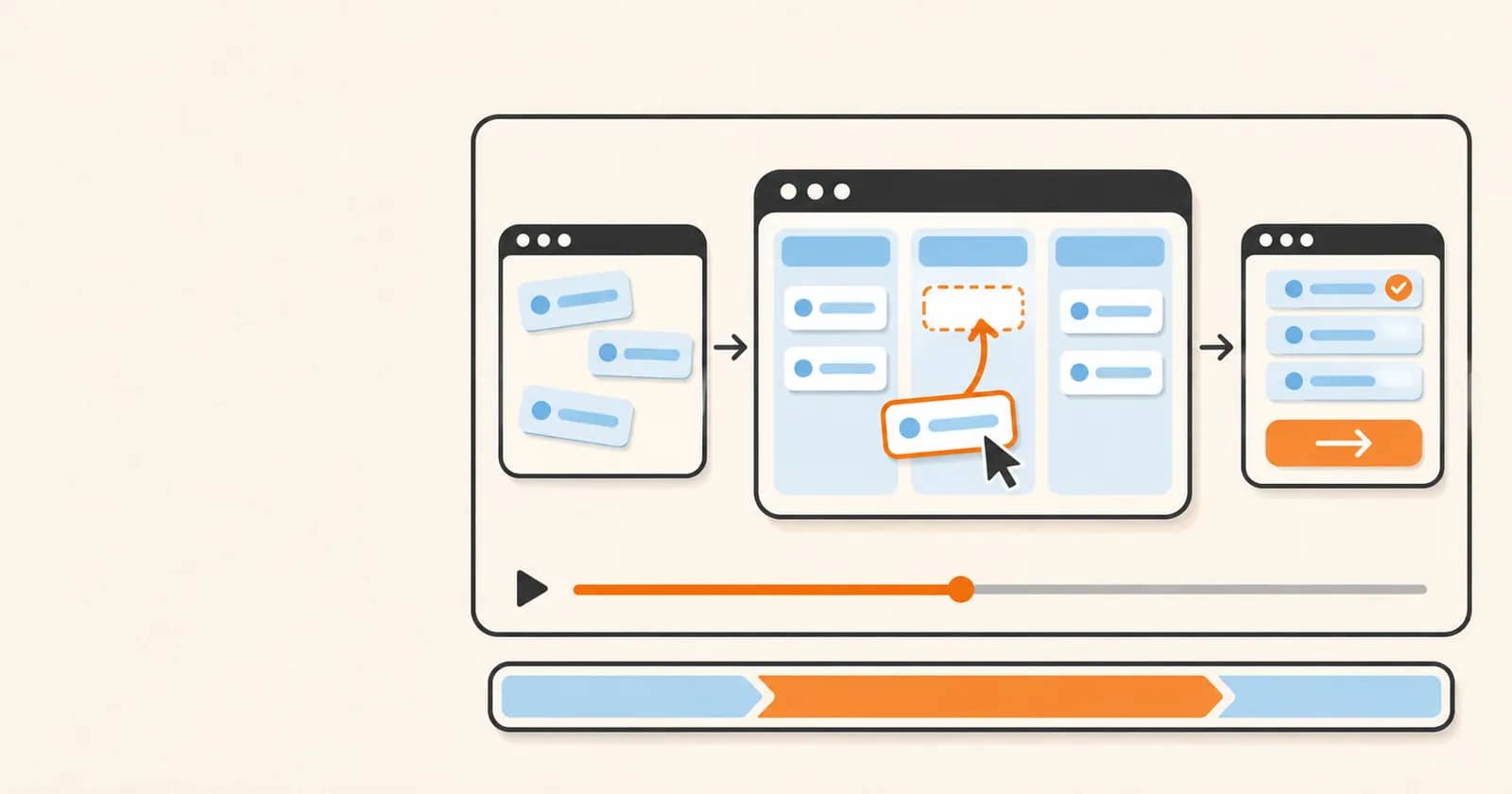
Most SaaS demo videos fail the same way: they walk through the product menu by menu, and viewers leave before they see anything that matters to them. If you're wondering how to create a SaaS demo video that people actually finish, start with the problem your product solves and let the features show up as proof.
You don't need a crew, a big budget, or video experience. You need a clear problem statement, a short script, and a clean screen recording. Below, you'll learn how to build the demo around one customer problem, write a script and storyboard that keep you from stumbling on camera, and publish the finished video where it can bring signups and search traffic.
By the end, you'll have a repeatable process for making a demo that sells.
Before you hit record: what you need in place
A SaaS product demo video works when it starts with one person and one problem, not a list of features. Settle that first, because every later choice depends on it.
Define one viewer and one problem
Write a single sentence: "This video shows [viewer] how to [solve problem] without [current pain]." For example, "This video shows freelance designers how to send client invoices without chasing payments by hand."
Then pick the one core flow in your product that solves it, and show it from start to finish. A feature inventory is the wrong starting point because it describes your product, while viewers care about their own task. Anything outside that flow stays out.
Success check: a teammate can repeat your sentence without looking at it. If they can't, tighten it.
Gather your basic toolkit
You need less than you think:
A screen recording software demo tool that captures your display cleanly
A decent USB microphone, since viewers forgive rough visuals faster than bad audio
A quiet room, with notifications off
A place to embed the finished video, such as your landing page
Step 1: Build the demo around the problem, not the features
Most product demo videos fail because they start with the interface. Viewers don't care about your dashboard yet. They care about the headache that brought them to your page, so start there.
Open with the pain and the payoff
In the first few seconds, show the problem on screen, then show the finished result before you explain how you got there. The how can wait.
Suppose you built a scheduling tool. Don't open on a settings menu. Open on a calendar with two meetings stacked on the same slot and a cursor hovering over both. Then cut to the same calendar, clean, with the conflict resolved automatically. Now the viewer wants to know how.
Pick the moments that prove it
Choose only the features that solve that one problem. Everything else comes out, including the feature you spent three months building.
Good explainer videos for startups work this way: one problem, one path, one result. Look at product demo video examples from tools you admire and notice how little each one covers.
Success check: show only the first 15 seconds to someone who has never heard of your product. If they can tell you what it does for them, the structure works.
Step 2: Write a demo video script and storyboard
A script keeps you from rambling, and a storyboard keeps your visuals from wandering. You need both, and neither takes long.
Script in problem, solution, proof order
Write your script in four beats:
The problem, in one sentence your viewer would say themselves.
The shortest path to the fix, shown step by step.
One proof point, such as a result you can show on screen.
One call to action.
Keep the call to action singular: "Start your free trial" beats offering three options. Write for the ear, with short sentences and plain words, then read the script aloud. Rewrite any line you stumble on.
Keep the video as short as the story allows. If viewers want depth, offer a longer walkthrough after they show interest.
Match each line to a screen
Put your script in two columns: each spoken line on the left, the exact screen or click on the right.
Say the line is "Your invoices stay late because follow-ups are manual." The matching visual is an inbox full of overdue notices. The next line, "Turn on auto-reminders in one click," pairs with the toggle itself.
Success check: the script sounds like you talking, and every line has a visual.
Step 3: Record and edit a clean screen demo
A messy screen distracts viewers from the problem your product solves, so set the stage before you record.
Prepare the product first
Create a fresh account and fill it with realistic demo data. Suppose you sell invoicing software: use believable client names and amounts, not "test test" entries or a customer's real details. Close extra tabs, silence notifications, and rehearse your click path until it feels automatic.
Record, trim and polish
Audio matters more than pixels. Viewers forgive a plain screen, but they leave when the sound is muffled or echoey. Use a decent USB microphone or headset in a quiet room, and record one scene at a time in short takes. A flubbed line then costs you seconds, not the whole video.
Edit lightly:
Trim pauses and false starts.
Zoom on the area that matters in each scene.
Add captions.
Skip transitions and effects.
Three mistakes show up again and again: moving the cursor too fast, narrating what is already obvious ("now I'm clicking Save"), and leaving private or messy data on screen.
For a final test, mute the video with captions on. If you can still follow the story from problem to payoff, it works.
Step 4: Publish your demo where it drives signups and search traffic
A finished video earns nothing until it sits where buyers decide, so put it in front of them and then check whether it works.
Place and adapt it for each channel
Put the full video above the fold on your landing page, so visitors see it without scrolling. Use it on your launch listing and project page too, and in outreach or sales follow-ups, where a trimmed shorter cut usually fits better than the full version.
Suppose you email a prospect who asked about reporting. Send a 45-second clip of just that workflow, not the whole tour.
Make it findable and measure it
Give the video a descriptive title that names the problem and the product. Add a transcript or short summary on the page, and write the surrounding text in the words your buyers search.
Tie the call to action to one next step, such as starting a trial, and keep it visible while the video plays.
Then track watch-through and click-through to signup, not views alone. A video with many views and few signups is not working. If viewers leave early, revise the first 15 seconds first.
For related reading, link out to topics like launch-day promotion and backlink building.
Make your SaaS demo video sell: what to do first
Three decisions carry most of the weight. Pick one viewer and one problem, open the video on that problem, and show only the features that solve it. Everything else is polish.
Start with a single sentence that names the viewer and the problem. Write it before you open a screen recorder. The pitfall to avoid is the feature tour: it feels thorough to you and tells the viewer nothing about why they should care.
You'll know it worked when someone who watches only the first 15 seconds can say what the product does for them, and when your numbers show viewers watching through and clicking to sign up, not just racking up views. If they drop off early, rewrite the opening and publish again.


