On-Page SEO Checklist: How to Optimize Every Page for Search and Readers
Use this practical on-page SEO checklist to optimize titles, headings, content, internal links, images, accessibility, and technical page health before publishing.
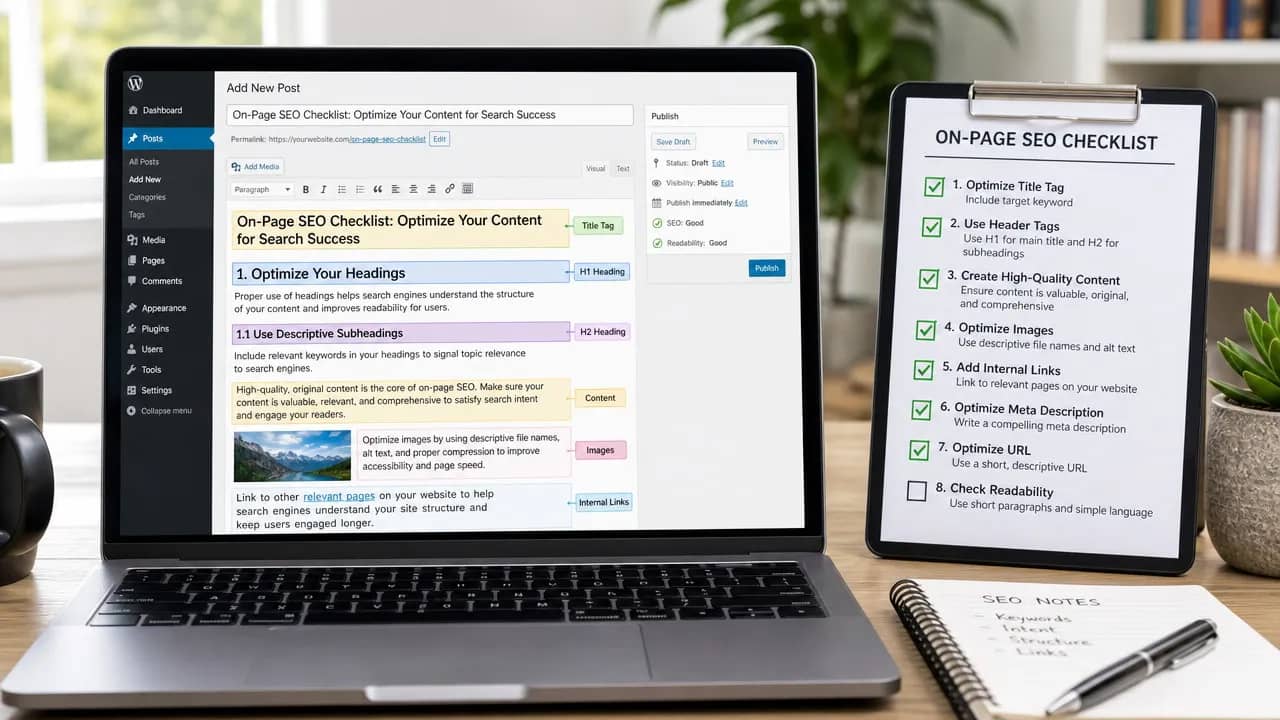
A page can be genuinely useful and still disappear in search results. Usually, the problem is not the topic. It is that the page sends mixed signals: a vague title, thin sections, clumsy internal links, slow images, or content that never quite answers what the searcher came for.
This on-page SEO checklist helps you review those details before publishing. It is not about gaming Google. It is about making each page clear, useful, easy to navigate, and technically sound.
Start With Search Intent, Not Keywords
Before drafting a page, search your target phrase and study the results. What kind of content ranks?
For a keyword like on-page SEO checklist, people usually want a practical guide they can follow while optimizing a page. They do not want a sales page or a broad history of SEO. That distinction matters. A beautifully written article that misses search intent can still fail to rank.
Choose one primary topic for each page. Then use related terms only where they genuinely support the explanation. This keeps your content focused and prevents keyword cannibalization, where several pages on your site compete for the same search query.
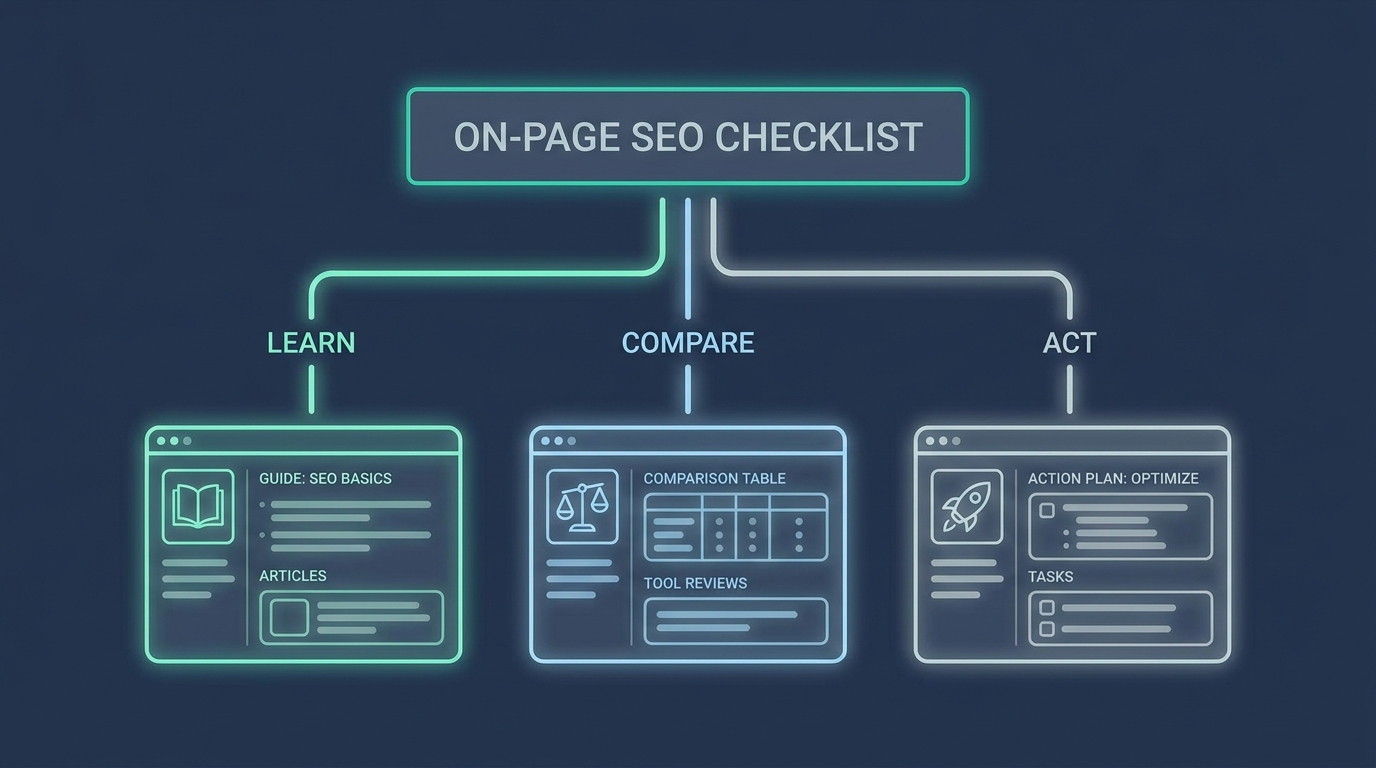
A simple rule works well: if two pages would answer the same question in nearly the same way, consolidate or differentiate them.
Optimize Your Title Tag, H1, URL, and Meta Description
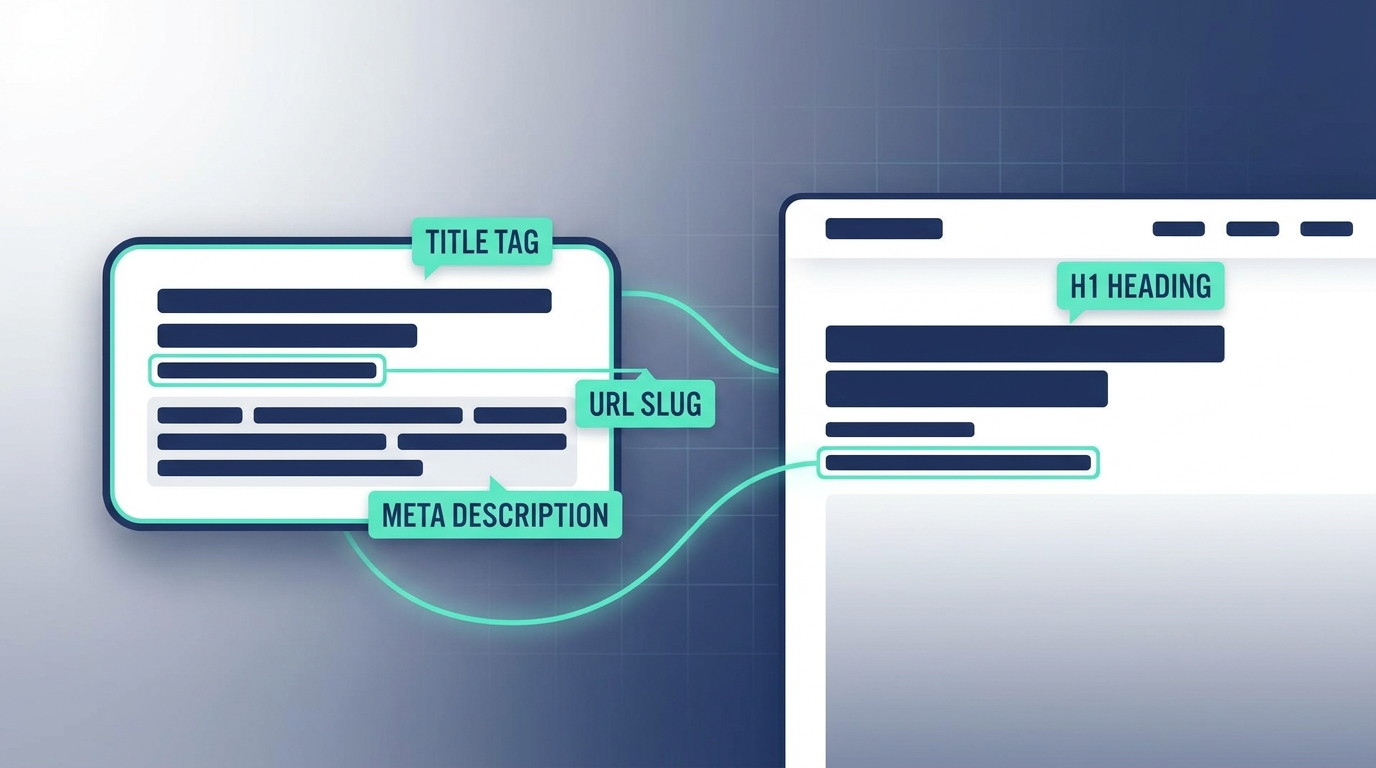
These elements tell readers and search engines what the page covers. They should agree with one another without becoming identical copies.
Write a Title Tag That Earns the Click
Your title tag appears in browser tabs and may appear as the clickable headline in search results. Make it specific. Put the main topic near the front when it reads naturally.
For example:
On-Page SEO Checklist: 12 Steps to Optimize Every Page
Avoid titles that promise more than the page delivers. “The Ultimate Secret Ranking Formula” may attract a click, but it also creates a quick exit when readers find another recycled checklist.
Use One Clear H1 Heading
Your H1 is the page’s main visible heading. It should state the topic plainly and match the reader’s expectation after they click. Use a single H1, then organize the rest of the page with H2 and H3 headings.
Think of headings like road signs. If someone scrolls quickly, they should still understand where the page is taking them.
Keep URLs Short and Readable
A clean URL is easier to share, scan, and maintain:
prolaunch.net/blog/on-page-seo-checklist/
Skip unnecessary dates, random numbers, and filler words. The URL does not need to carry your entire keyword strategy. It just needs to accurately describe the destination.
Treat Meta Descriptions as Helpful Preview Copy
Meta descriptions do not directly determine rankings. Still, they can influence whether someone chooses your page over a similar result. Write a concise summary that explains the benefit and reflects the actual content.
Build Content That Fully Answers the Query
On-page optimization becomes much easier when the content does real work. Every section should answer a question, resolve uncertainty, or help the reader take a next step.
Start by addressing the main query early. Then expand into related needs. For an SEO content checklist, that might include headings, internal links, image optimization, mobile usability, and technical checks.
Avoid padding sections with generic statements. Readers can spot fluff instantly. And honestly, so can search engines over time.
Use a Logical Heading Structure
A strong structure improves readability and makes your content easier to interpret.
Use H2s for major topics.
Use H3s for supporting details.
Keep headings descriptive rather than clever.
Break long paragraphs into smaller, focused blocks.
Use bullets when readers need a process or quick reference.
Google’s guidance consistently favors helpful, people-first content. The better question is not “How many times should I use this keyword?” It is “Would this page leave the searcher with anything else to look up?”
Add Internal Links That Help People Continue
Internal linking connects related content across your site. It helps readers find the next useful resource and helps search engines understand how pages relate to one another.
Link naturally. If you mention page speed, point readers toward a relevant guide on improving Core Web Vitals. If you discuss launch visibility, connect it to a useful ProLaunch resource about startup promotion or content strategy.
Use descriptive anchor text. “Improve your Core Web Vitals” gives context. “Click here” gives almost none.
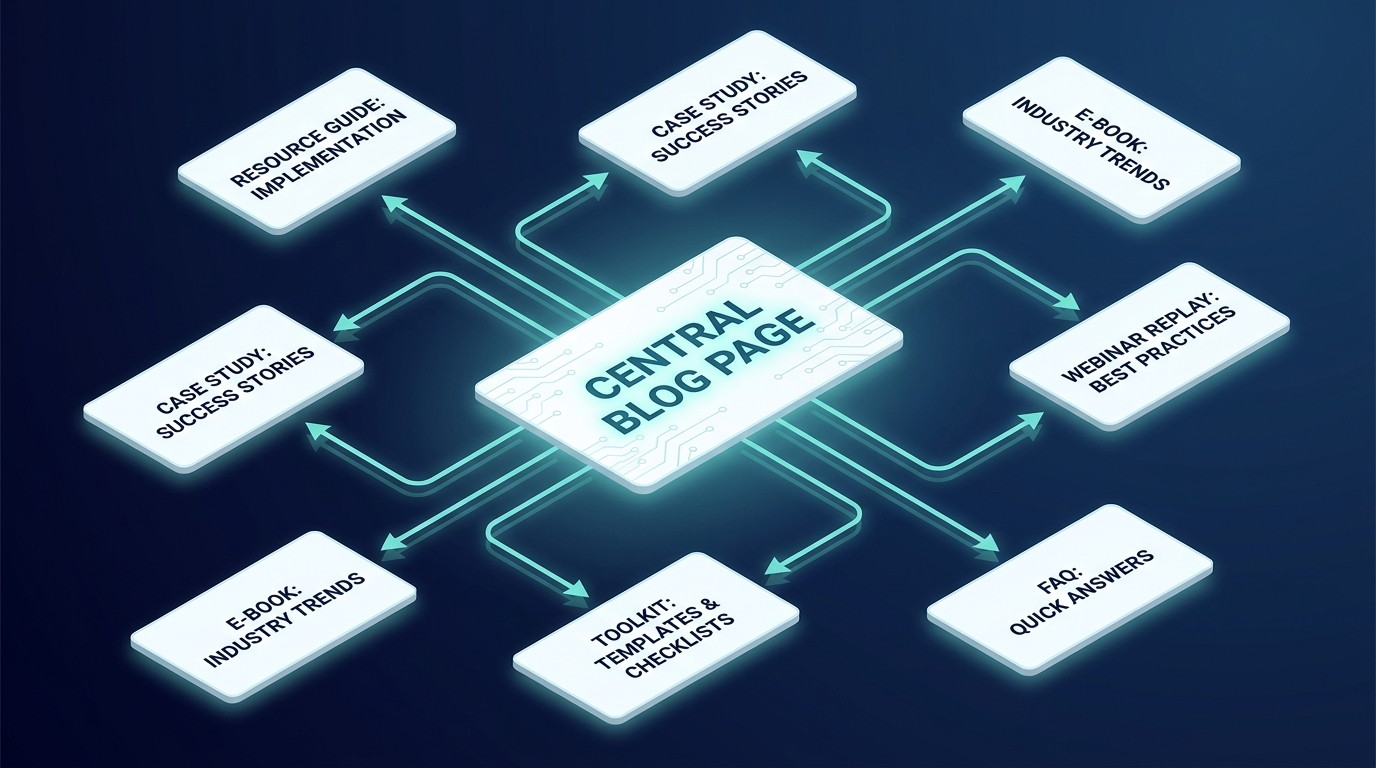
Do not force links into every paragraph. A few useful links beat a maze of distractions.
Optimize Images and Accessibility
Images can improve comprehension, but they can also quietly wreck performance when they are oversized or poorly handled.
Before publishing, check that each image:
Uses a compressed file size.
Has a descriptive filename.
Includes relevant alt text when it conveys information.
Loads correctly on mobile devices.
Does not cause layout shifts while the page opens.
Alt text exists primarily to describe images for people using screen readers. Write it like a human description, not a string of repeated keywords. “On-page SEO checklist shown in a website editor” is useful. Repeating “on-page SEO checklist” four times is not.
Complete the Technical On-Page SEO Review
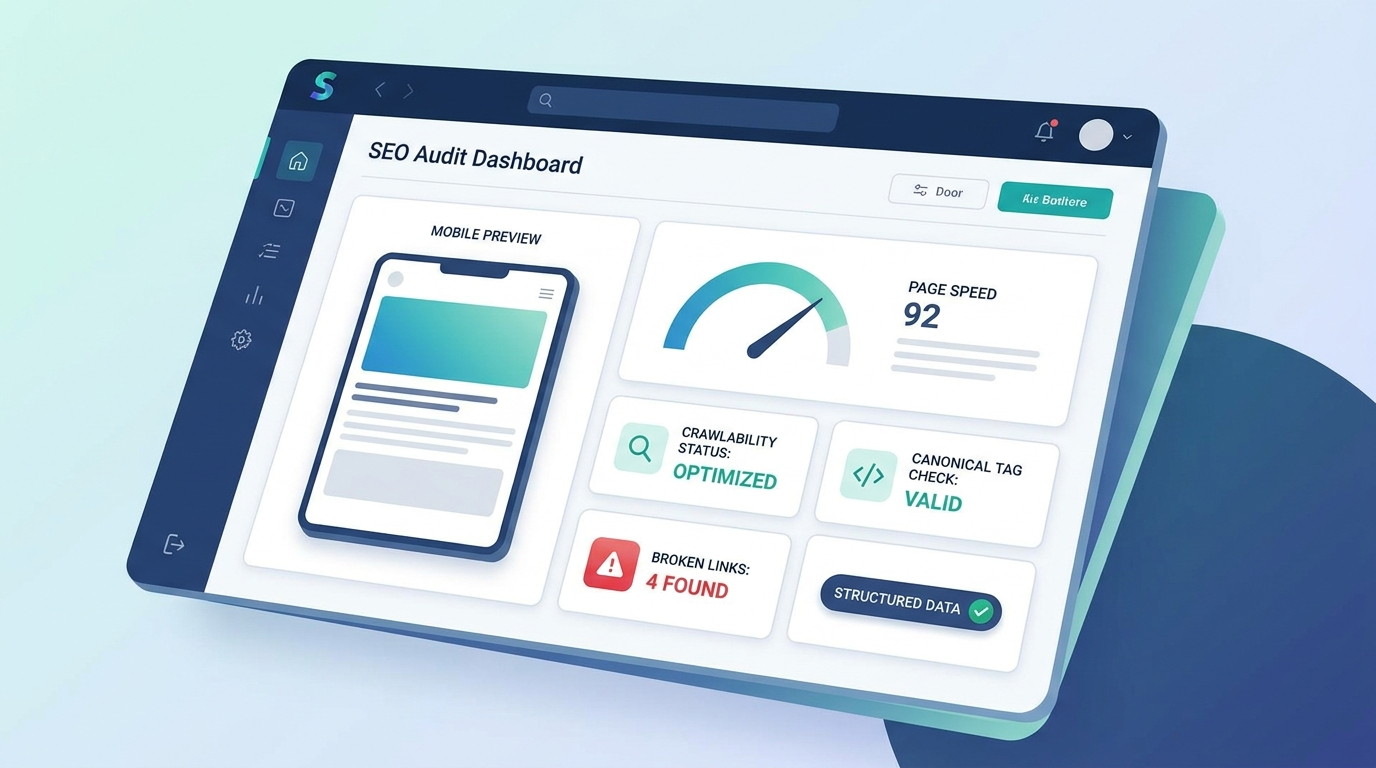
The final check is where good content often gets let down. A page needs to be crawlable, indexable, fast enough, and functional across devices.
Review these points before you hit publish:
Confirm the page is not blocked by noindex or robots directives.
Check that the canonical URL is correct.
Test the page on mobile, not just a desktop preview.
Fix broken internal and external links.
Review image weight and page loading behavior.
Add structured data only when it accurately matches the page.
Ensure your CTA supports the page rather than interrupting it.
For technical standards, use Google’s Search Essentials and page experience guidance as reliable references.
Your Final On-Page SEO Checklist
Before publishing, ask:
Does this page match the searcher’s intent?
Does it focus on one clear topic?
Are the title tag, H1, URL, and meta description accurate?
Does the content offer specific, useful answers?
Are headings easy to scan?
Do internal links guide readers to relevant next steps?
Are images fast, accessible, and properly described?
Does the page work smoothly on mobile?
Have you checked indexing, canonicals, and broken links?
FAQs
What is on-page SEO?
On-page SEO is the process of improving elements within a webpage, including content, headings, metadata, internal links, images, and technical usability, to better serve readers and search engines.
How often should I use my target keyword?
Use it where it fits naturally: usually in the title, H1, introduction, and relevant headings. Prioritize clear writing over a fixed keyword count.
Does on-page SEO guarantee rankings?
No. On-page SEO strengthens relevance and usability, but rankings also depend on competition, site authority, technical health, and how well the page satisfies the search query.


