What to Post on Social Media: Ideas for Service Businesses
Find practical social media post ideas for service businesses, including answers to common customer questions, explanations of your process, behind-the-scenes tasks, and project examples shared with permission. The article also covers useful tips and ways to reuse posts that get a response.

When your service business has no promotion to announce, deciding what to post on social media can become a chore. What to Post on Social Media: Content Ideas for Service Businesses starts with a simple test: does the post help a potential customer understand, trust, or use your service?
You’ll find practical ways to answer common customer questions, explain how your process works, and share project examples while protecting client privacy. The ideas also cover useful tips, behind-the-scenes tasks, and ways to reuse posts that get a response. Adapt them to your service and the time you have, whether you’re filling a quiet week or building a steadier posting routine. By the end, you’ll have a clear set of post ideas to choose from and a better sense of which ones are worth repeating.
Choose post ideas that answer a customer need
A useful social media content strategy starts with what customers need to understand before they hire you. This list covers ways service businesses can educate people, demonstrate their work, and invite conversation. Begin with customer questions, the steps involved in your service, and work you can share responsibly. For example, a bookkeeping firm might explain how it organizes records, while a designer could share a project detail with the client’s permission. Adapt each idea to the platforms you use and the formats they support, such as short video, a photo, or a text post. Choose a few formats you can produce consistently; trying to use every option at once can make posting harder to sustain.
Answer a question customers ask often
A recurring customer question can become an educational social media post that gives potential clients a useful answer before they contact you. Keep each post focused on one question, and use language that fits the audience’s familiarity with your service.
For example, a home repair provider could explain what details to gather before requesting an estimate, such as the type of repair and where it is needed. A specialist service might define an unfamiliar term rather than assume readers already know it.
When a new question comes up in a call, email, or direct message, save it as a prompt for a future post. Over time, those questions can help you build a bank of practical content based on what customers want to know.
Explain how your service works
Show the stages a customer can expect, from the first conversation through delivery, when those details are appropriate to share. Process posts set expectations and make an intangible service easier to understand before someone hires you. They also give potential clients a clearer picture of what they are paying for.
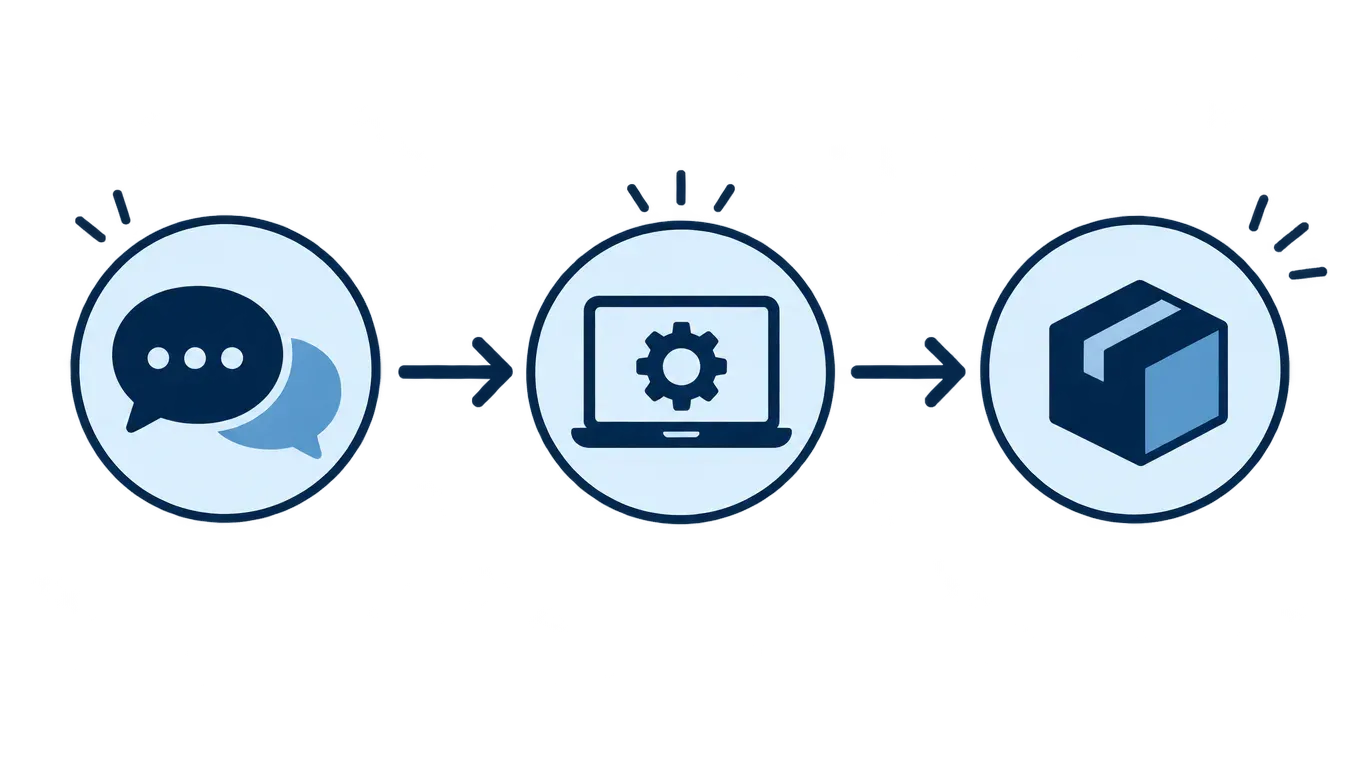
Use a simple sequence of posts or a short walkthrough that reflects your actual workflow. For example, a designer might show how an initial discussion informs a draft and how client feedback shapes the final work. A consultant could explain what happens between an introductory call and a recommendations session. These service business content ideas should match how you work: avoid promising steps, timelines, or outcomes that vary by project.
Show a behind-the-scenes task
Behind-the-scenes content can show the care behind your service, even when you have limited client material. Share a real, non-sensitive task, such as preparing materials for an appointment or organizing a project workspace. A consultant might show how they arrange a planning document before a meeting. Explain why the task matters to the customer, such as helping keep the discussion focused. Process footage without that context may mean little to viewers.
Before publishing, check backgrounds, screens, documents, and conversations for private information. Blur or remove anything sensitive, and get permission where needed. You do not need a finished client project or testimonial to make this kind of post useful.
Share a project example with permission
A project example can make an intangible service easier to understand, but share client details only with permission. Describe the customer’s need, the work you completed, and the result only when you can verify the details and the client has approved them.
For example, a designer might explain that a client wanted a simpler path to booking, then describe reorganizing the website’s navigation. They should leave out performance claims unless those results are documented and approved. Removing the client’s name may not be enough: distinctive details, screenshots, or project context can still reveal their identity or confidential information. If you cannot share a real project safely, label it clearly as a general example rather than presenting it as client work.
Introduce the people behind the service
When you do not have a customer story to share, introduce the people customers may work with. Keep each profile brief: give the person’s role and explain which part of the work they handle. For example, a bookkeeping firm might introduce the specialist who organizes client records, while a home repair company could name the coordinator customers contact to schedule a visit.
Choose details that help people feel oriented, such as a professional interest or the kind of work the person enjoys. No one needs to share private information to appear approachable. Match the tone and detail to your business and audience, and get consent before featuring employees or collaborators. These social media post ideas for small businesses can make the team visible without turning a profile into a personal biography.
Clarify what a service includes
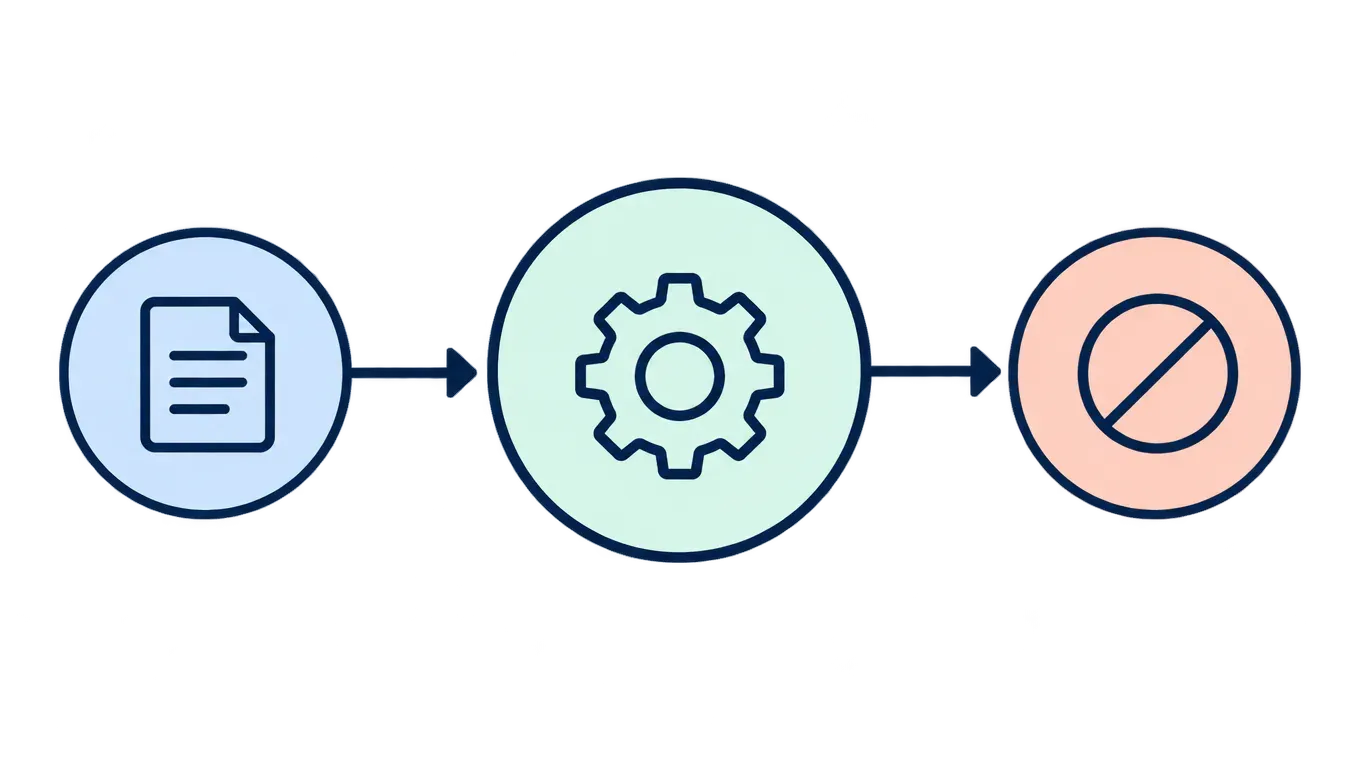
Posts that spell out the scope of an offering help prospective customers judge whether it fits their needs. Explain what the service covers, what the customer needs to provide, and what falls outside the engagement when those details are known. For example, a bookkeeping firm might clarify which records clients need to send and whether tax filing is included. Address common misunderstandings in neutral language, without criticizing customers or competitors. You might explain that a consultation helps identify a project’s needs but does not include the work itself. Clear boundaries can prevent mismatched expectations before someone hires you. Check every description against your actual terms and process so a social post does not promise more than your service delivers.
Share a useful tip customers can apply
A practical tip can earn attention without turning every post into a pitch. Choose advice that fits your service and that readers can try on their own, then explain when it may not apply. For example, a home organizer might suggest putting a small basket by the entryway for keys and mail, while noting that the best setup depends on the space and household. A tax preparer could share a general recordkeeping habit, but should avoid presenting a social post as personalized tax advice. Keep the tip specific enough to act on, and within your professional expertise. Invite readers to save it or ask a follow-up; make clear that individual circumstances can call for a different approach.
Address a common misconception
A misconception post can explain why your service works the way it does without making customers feel foolish for asking. Name a belief you encounter, then give a plain, accurate explanation based on your own process.
For example, a web designer might explain that a polished site takes more than choosing a template: the designer first needs to understand the client’s audience and goals. A bookkeeping service could clarify that organizing receipts does not, by itself, resolve questions about how a transaction should be recorded.
Keep the explanation specific to your work, and avoid presenting one client’s needs as universal. End with a practical next step, such as inviting readers to bring a particular question to a consultation or review a checklist before getting started.
Invite customers to join a conversation
Use a focused, low-effort question to turn a service update into a useful conversation with potential customers. Ask about a preference, challenge, or decision they already face: "Which part of onboarding takes the most time?" or "Do you prefer a monthly check-in or an on-demand review?"
Read replies for topics that deserve future posts. Treat them as clues, not representative research, because commenters may not reflect your whole audience. Reply in the same channel where the question was asked, and never request sensitive personal details.
Use genuine responses to shape future content. If several people mention confusion about one step, explain it in a later post. Avoid prompts that collect comments without a clear purpose.
Repurpose a strong idea and review the response
A useful post can earn another turn in a different format, as long as the platform supports it. Adapt the framing and level of detail instead of copying the same post everywhere. For example, a home organizer might turn a short tip into a step-by-step carousel, then use a related question as the opening for a brief video.
Watch for signals that matter to your business: relevant questions, inquiries, saves, or conversations with potential customers. A post with modest reach may still be useful if it starts the right discussion. Keep ideas that support your goals, revise those that prompt interest but leave people confused, and retire ones that no longer fit your audience. Use what you learn to shape the next version.
A practical plan for service-business social posts
Use these ideas as a menu, not a checklist. Start by writing down questions customers ask and steps in your actual service, then choose a few post formats you can make consistently on the platforms you use. Keep each post useful and specific, and check permission, privacy, and accuracy before sharing client work or behind-the-scenes details. Avoid trying every idea at once or treating comments as proof of what all customers think. Review the response through practical signals: relevant questions, saves, inquiries, and conversations. Keep the ideas that help your audience understand your service, revise posts that miss the mark, and set aside formats that do not fit your goals.
Frequently asked questions
What kinds of posts can a service business share on social media?
Share posts that answer customer questions, explain your process, show non-sensitive work behind the scenes, clarify what a service includes, or offer a useful tip. You can also introduce your team, share an approved project example, or ask a focused question. Choose ideas that help prospective customers understand your service and decide whether it fits their needs.
What can I post if I have limited time or few customer stories?
Use material you already know well, such as a frequently asked question, a step in your process, or a practical tip. A short introduction to a team member or a non-sensitive behind-the-scenes task can work without a client story. Pick a format you can produce consistently, and adapt a useful idea rather than starting from scratch each time.
How can I adapt post ideas to different service types and platforms?
Start with the same customer need, then choose a format that suits the service and the platform. A consultant might explain a decision-making process, while a home organizer might share a simple organizing tip. Adjust the framing and amount of detail to fit the platform, and check that the format is supported there.
How can I tell which post ideas are worth repeating?
Review how people respond to each post and whether the response supports your goal, such as useful questions or relevant conversations. A post that attracts attention but little interest from potential customers may not be worth repeating in the same form. Try adapting strong ideas, then compare the response rather than assuming one post will work everywhere.
What permissions or privacy concerns should I consider when sharing client work?
Get the client's permission before sharing identifying details, images, or work connected to them. Leave out confidential information, and verify any claims about the project or its results. If you cannot confirm permission or protect the client's privacy, use a general example based on your process instead of presenting the work as a real client project.


