Technical SEO Basics: How Robots.txt and XML Sitemaps Help Search Engines Find Your Website
Discover how foundational technical SEO elements like robots.txt and XML sitemaps ensure search engines can find, crawl, and index your website effectively. Learn how to align these tools to improve your site’s search visibility and avoid common indexing errors that keep your best content hidden.
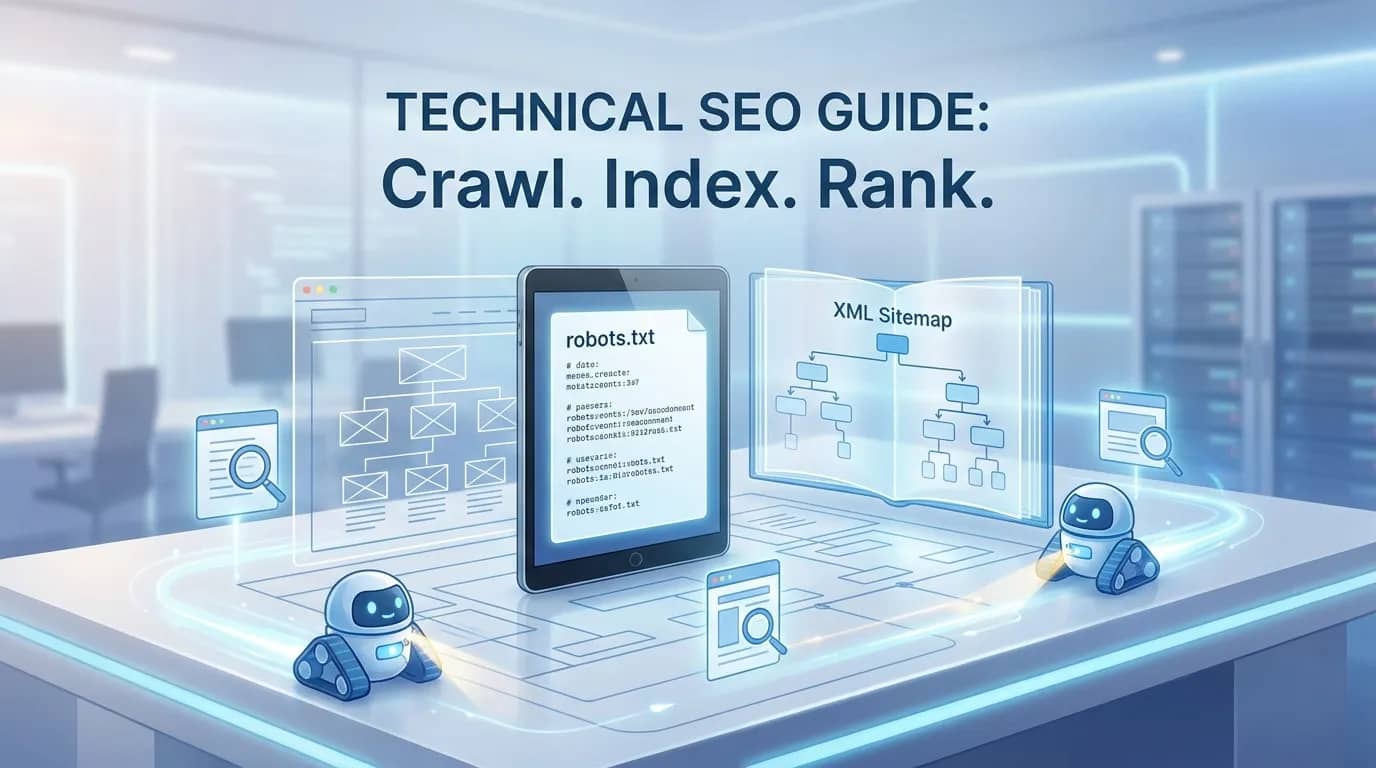
You launch a new website. The design looks sharp, your product pages explain what you do, and a few early backlinks start sending visitors your way. Then you search Google for your brand—or a key page—and it is nowhere to be found.
That gap is often not a content problem. It is a technical SEO problem.
Before a search engine can rank a page, it needs to discover it, access it, understand it, and decide whether the page deserves a place in its index. Two small files shape that process more than many site owners realize: robots.txt and the XML sitemap.
They are not ranking tricks. They are basic infrastructure. Get them right, and search engines have a clear route to your best pages. Get them wrong, and even excellent pages may be hard to find.
Start With Crawling vs. Indexing
Crawling and indexing are related, but they are not the same thing.
Crawling happens when a search engine bot, such as Googlebot, visits a URL and reads its content. It may find that URL through internal links, external links, or an XML sitemap.
Indexing happens later. Google evaluates the page and may add it to its searchable database. A crawled page can still remain unindexed if it is duplicate, low value, blocked by a noindex instruction, or canonically linked to another URL.
Think of your site as a building. Internal links are hallways. Your XML sitemap is the directory in the lobby. Your robots.txt file tells visitors which doors they should not enter.
Each serves a different purpose. None replaces the others.
For a startup site, this distinction matters. A listing or backlink from a platform like Pro Launch can create a valuable discovery path and send qualified traffic. Your website still needs a clean technical structure once search engines arrive.
What Is a Robots.txt File?
A robots.txt file is a plain-text file placed at your domain’s root address:
https://yourdomain.com/robots.txt
It provides crawl instructions to participating search bots. The file can tell bots to avoid low-value or private sections of a website.
Here is a simple example:
User-agent: * Disallow: /admin/ Disallow: /cart/ Disallow: /internal-search/ Sitemap: https://yourdomain.com/sitemap.xml
In this example, the rules apply to all crawlers. They request that bots avoid the administrative area, shopping cart, and internal search results. The final line points bots to the site’s XML sitemap.
If you're looking for an easy way to generate both your robots.txt file and XML sitemap for free, check out Pro Launch's Free Robots & Sitemap Generator.
Robots.txt Controls Crawling, Not Indexing
This is the technical SEO rule many people miss: robots.txt does not reliably remove a page from Google’s search results.
If another website links to a blocked URL, Google may still know that URL exists. It might display the URL in results without crawling the page’s content.
Use robots.txt to manage crawling. Use a noindex meta tag or HTTP header when a public page should stay out of search results. Use password protection or authentication for genuinely private content.
Do not block important CSS, JavaScript, or image files without a strong reason. Search engines often need those assets to render a page correctly. If Google cannot see the page as a visitor sees it, its understanding of your content may suffer.
What Is an XML Sitemap?
An XML sitemap is a machine-readable file that lists the URLs you want search engines to discover. It usually lives at a location such as:
https://yourdomain.com/sitemap.xml
It helps search engines find important pages, especially on new websites with limited links or large sites with deep navigation.
An XML sitemap is particularly useful when your site includes:
Recently published product or feature pages
Blog articles that do not yet have many internal links
Large ecommerce or directory collections
Pages buried several clicks from the homepage
Frequently updated content
But a sitemap is not a command. Adding a URL does not guarantee crawling, indexing, or a first-page ranking. It simply gives search engines a clearer signal about which pages matter.
Google still evaluates quality, duplication, relevance, canonical tags, and many other signals.
What Should Go in Your Sitemap?
A clean sitemap contains only pages that you would be comfortable showing in search results. That sounds obvious, yet many websites submit everything their CMS generates—redirects, broken URLs, duplicate category pages, and noindexed content included.
Include URLs that are:
Live and returning a 200 OK status
Canonical versions of the page
Useful for a real search visitor
Allowed to be crawled
Supported by internal links where possible
Exclude URLs that redirect, return errors, contain duplicate content, use noindex, or exist only for internal site functionality.
A messy sitemap creates mixed signals. It is like giving someone a map with closed roads marked as the fastest route.
Make Robots.txt and XML Sitemaps Work Together
The strongest technical SEO setup is consistent.
If you place a URL in your XML sitemap, that URL should generally be crawlable, indexable, canonical, and valuable. Do not add a page to the sitemap while blocking it in robots.txt. That contradiction wastes crawl effort and makes troubleshooting harder.
Before submitting a sitemap, check these five points:
Does the page load successfully?
Can search engines crawl it?
Does it avoid a noindex directive?
Does its canonical tag point to the correct version?
Is the page linked from somewhere meaningful on your site?
Then submit the sitemap through Google Search Console. The platform can reveal submitted URLs, indexing problems, and crawl-related warnings.
The Practical Next Step
Technical SEO basics are not glamorous. They do not replace useful content, thoughtful site architecture, or credible backlinks. They make those efforts count.
Today, visit yourdomain.com/robots.txt and locate your XML sitemap. Compare the two files. If a key page appears in the sitemap but is blocked from crawling, fix that conflict before you publish another campaign or pursue another backlink.


