
Auto Ducking: Volume Control
Mac menu bar app that lowers your volume when the mic turns on and restores it when the mic turns off. Never records audio.
Visit
0 upvotes
This project is scheduled for launch
Launch date: Tuesday, January 12, 2027 at 08:00 AM UTC
Scheduled
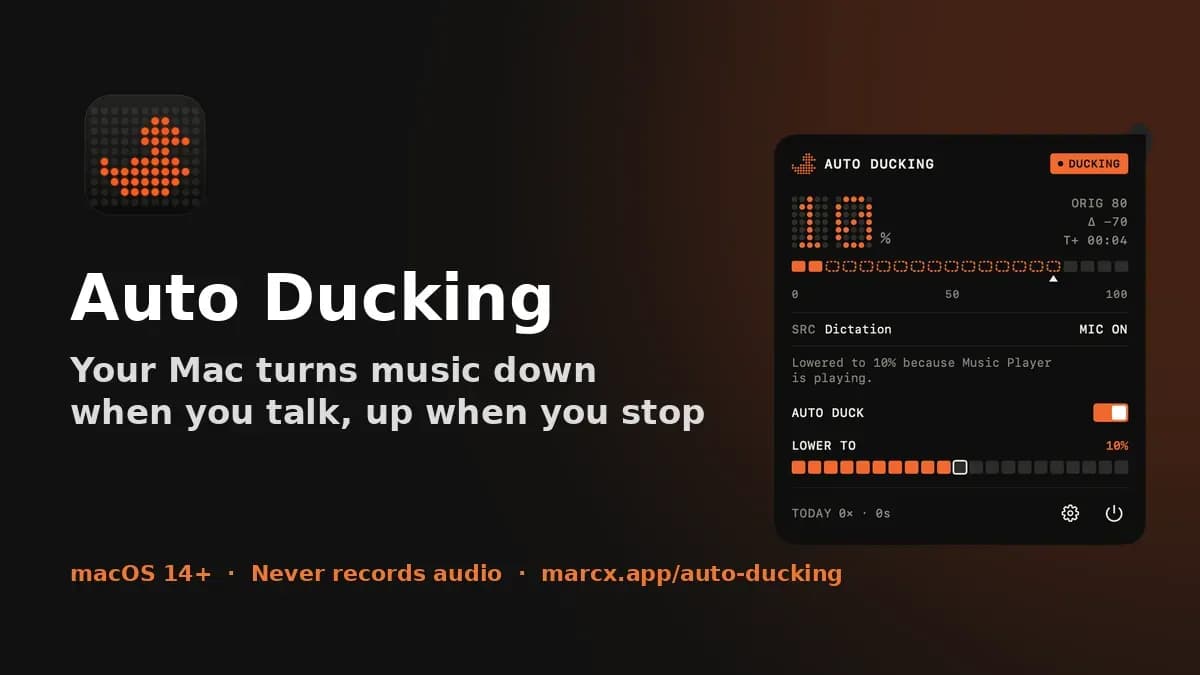
Auto Ducking is a macOS menu bar app that handles one repeated workflow automatically. You have music, a video or a podcast playing in the background, then you start dictating, recording a voice note or talking to an AI voice app. Instead of reaching for the volume keys every time (and forgetting to turn them back up), Auto Ducking notices that a microphone app is active, fades your system volume down to a level you choose, and restores the previous volume when the mic is released. You can set fade down and fade restore, add a restore delay so short pauses don't cause jumps, include or exclude specific apps, use presets for dictation or recording, keep a different level for speakers, headphones and displays, and duck manually with a global hotkey. It lives in the menu bar with no Dock icon, in light and dark. Privacy: it only checks whether the microphone is in use. It never records, transcribes or uploads audio, and it runs in the App Sandbox. Requires macOS 14 or later. Every feature is free for 7 days, then a one-time $7.99 Lifetime Unlock, with no subscription.
Comments
Comments will be available once the project is launched.
Website
Visit Website
marcx.app
Publisher
C
Chris Xu

